
Photos you can check
Keep an original that can be checked later for changes.
Capture work as it happens. Keep the details that matter. Share original photos that others can check for changes.
Free photo capture and public verification. No account needed to get started.
 Verified · demo
An example of photo documentation. Stock photography; not a verification result.
Keep useful details with your work, from a quick note to a project reference. Choose the plan that fits the context you need.
Keep an original that can be checked later for changes.
Add the location recorded by your phone.
Explain what to look for and why it matters.
Help your team know which photos to capture.
Keep related work together in a shared workspace.
Connect a photo to a room, drawing, or permit.
A simple path from taking the photo to sharing it for review.
Take a photo in Shuttermark on your Android phone, even when you’re offline.
Include notes and location when they help explain what you saw. Context features depend on your plan.
Use your workspace’s projects, references, and assigned tasks to keep work organized.
Send the original photo file so the recipient has the version that can be checked.
The recipient opens the public verifier to check the file for changes. No account needed.
Give clients and colleagues the photo and the context they need to understand your work.
Capture an original photo that can be checked later for changes.
Add the notes and job references that make a photo useful long after capture.
Team workspaces bring assigned work and photo submissions together.
Recipients can check the original photo without installing the app.
Document a condition, explain a repair, or keep a progress record.
Record the condition you found.
Share photos with useful notes.
Keep a visual history of the job.
Give recipients a way to check the original.
A clearer record for the people who need to review it.
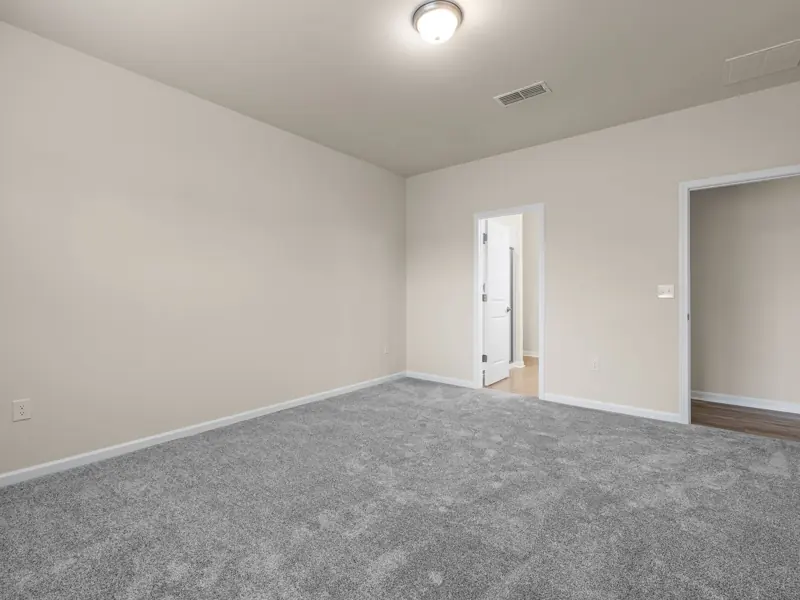 Verified · demo
Record a room’s condition before a move-in or after a handover.
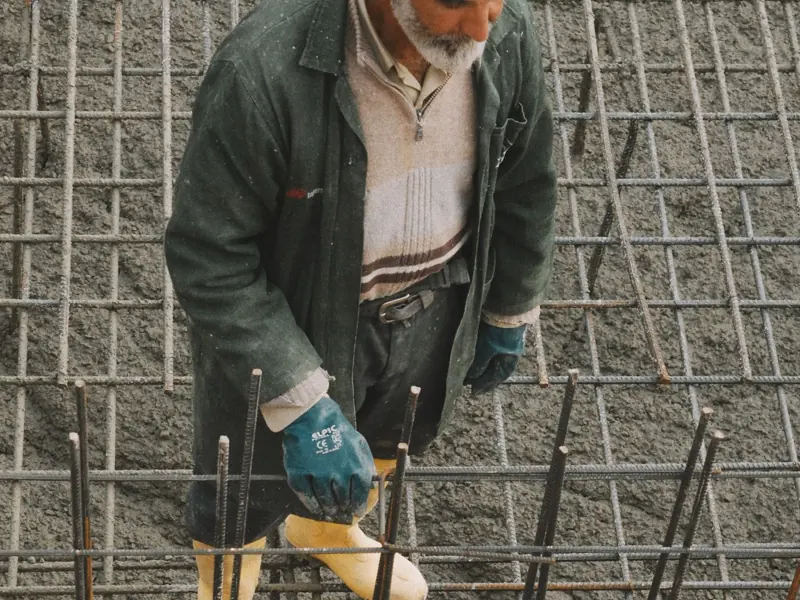 Verified · demo
Document work before it is covered and keep the drawing reference close.
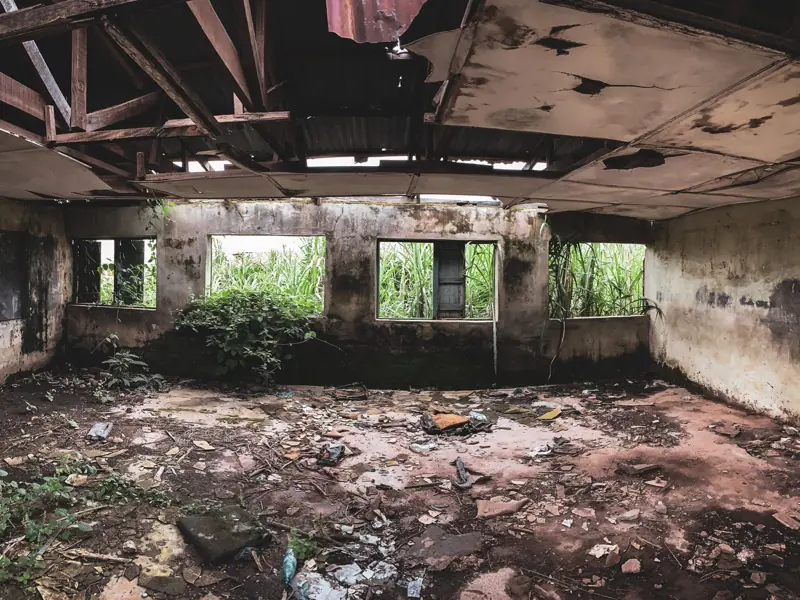 Verified · demo
Collect clear photos and notes for someone reviewing a damage report.
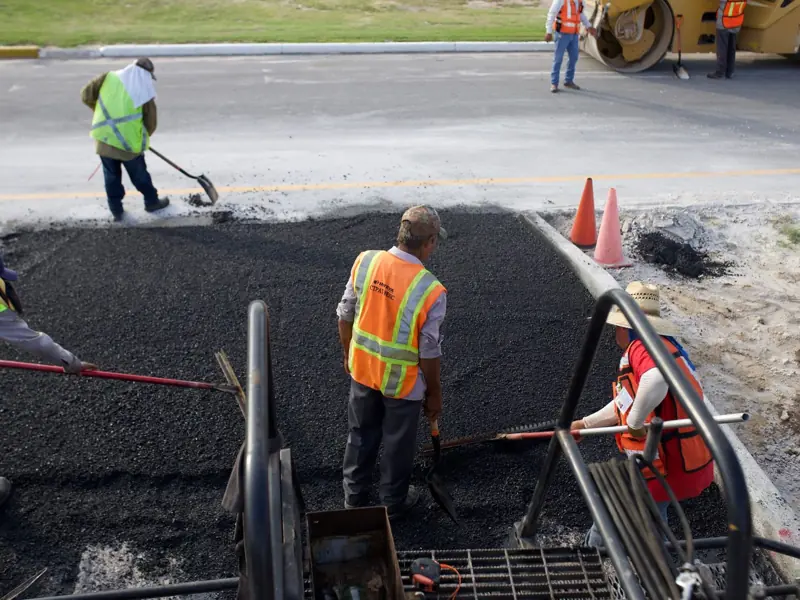 Verified · demo
Keep a visual record of repairs, inspections, and completed work.
Assign work, collect photo submissions, and keep reviews and follow-up in one shared workspace.
Verification helps a recipient check whether an original file has changed since capture.
Keep the original file so it can be checked later.
Anyone can use the public verifier without an account.
A file check does not establish the truth of the scene or the accuracy of time and location.
Open the public verifier and choose the original photo. Read the result and its verification details.
You’ll choose the file on the verification website.
Capture for free, add more context with Pro, or bring submissions and reviews into a team workspace.
$0
Start taking photos that others can check.
$7.99/mo
Billed monthly
More context and a personal workspace for your photos.
$79/mo
Keep field submissions and reviews together.
$249/mo
More capacity and AI review options for growing teams.
Straightforward answers before you get started.
Create photo records of field work, keep useful context with them, and share originals that can be checked for changes.
No. You can take photos in the Android app and use public verification without an account. Paid workspaces add cloud and organization tools.
Yes. Capture works on your phone without a connection. Connect later to upload or submit work to a workspace.
Share the original file. The recipient opens the public verifier, chooses the photo, and reads the result. They do not need an account.
Start with the Android app or explore a workspace for your team.